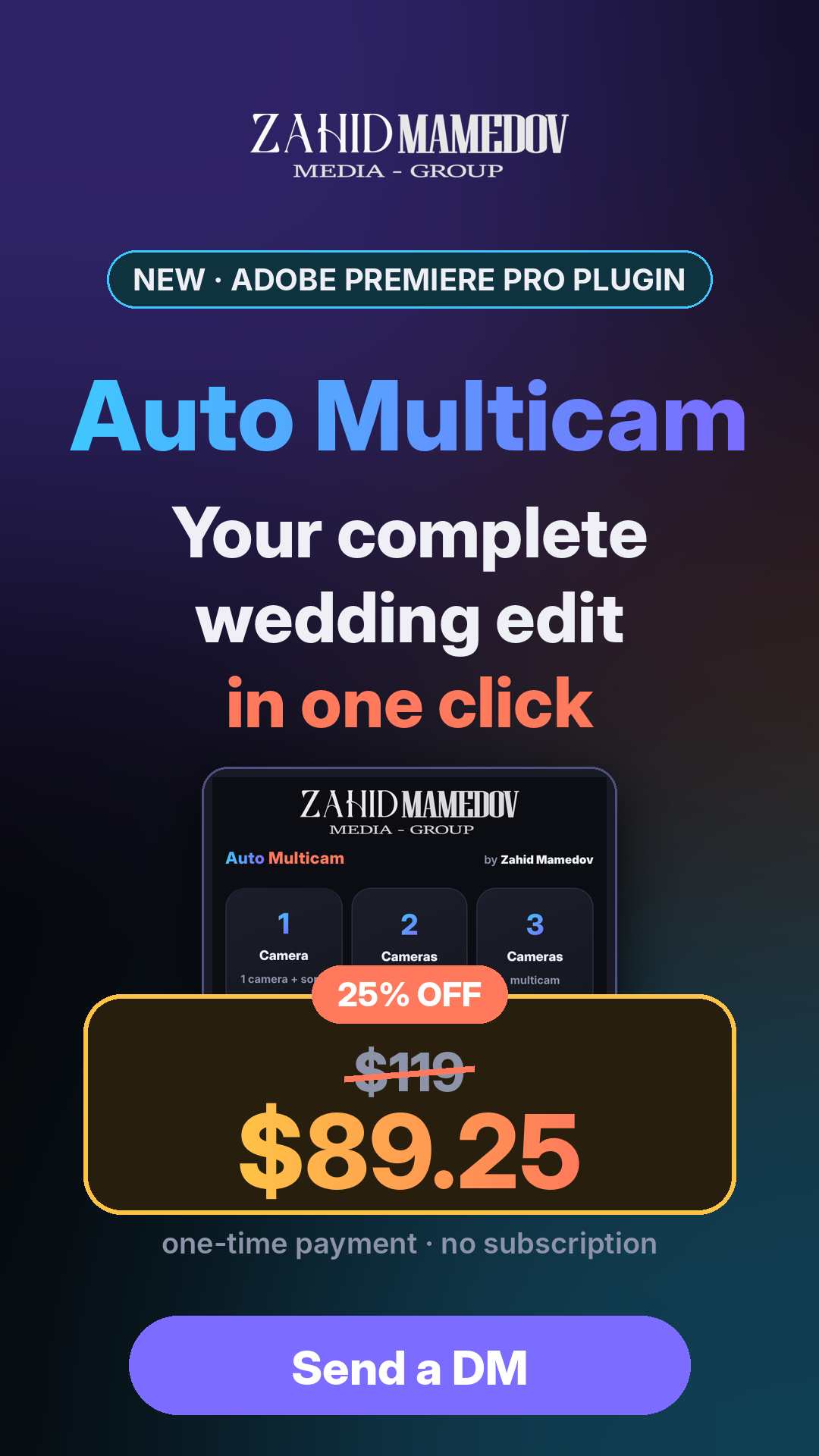

Your Complete Wedding Edit. At 25% Off.
AUTO MULTICAM · PLUGIN FOR ADOBE PREMIERE PRO
Auto Multicam syncs your cameras by sound, switches them to the beat and to whoever is speaking, cuts out shaky and dark shots, adds transitions and sound effects at every join, grades the color and even builds a teaser. All in one click.
$119 → $89.25 · 25% OFF
One-time payment · no subscription · 1 license = 1 computer · Windows & Mac · Premiere Pro 2020+
The problem: a 4-hour wedding, 3 cameras
- Syncing every camera by sound, by hand
- Hours of switching cameras 1-2-3
- Hunting shaky and dark shots one by one
- Placing transitions between songs one at a time
- Rewatching the whole wedding to make a teaser
With Auto Multicam
- Cameras sync by sound automatically (±10 ms)
- Cameras switch on their own: to the beat and to the speaker
- Shake, fast pans and dark shots are cut out
- Transitions, sound effects, color and the teaser are done for you
- All that is left is to check it and finish
1. Pick the camera count
Tap 1, 2, 3 or 4 cameras. Select the clips and the song in the Project panel, or open a synced sequence.
2. Pick the style
13 transitions, 21 sound effects, 6 color looks and effects as big buttons. The defaults are already tuned for weddings.
3. Press EDIT
The plugin analyses sound and picture and builds a new sequence. Pause or stop at any time.
4. Check and deliver
Not happy? «Another version» gives a new edit from the same footage. The result is a normal Premiere sequence.
Pick the camera count — the plugin does the rest
- 6 big tiles: 1, 2, 3, 4 cameras, Color, Settings.
- Minimal interface: no technical numbers, the best settings are already set.
- 4 languages: English, Русский, Azərbaycan, Türkçe.
- Windows & Mac, Premiere Pro 2020 and newer.
±10 ms
Precise sync. Every camera lines up to the song by sound, even on an hours-long wedding. Camera clock drift is fixed automatically.
1 click
Hours of work, done for you. Sync, camera switching, cleanup, 13 transitions, 21 sound effects, Hard Limiter, color and a teaser.
$0 / month
No subscription. Buy once, keep it forever. Works offline, inside Premiere Pro, on Windows and Mac.
One camera + the song: sync and a finished edit
- Auto sync. Camera clips line up to the song recording by sound, ±10 ms. Short clips are checked against the camera’s recording time.
- Clock drift is fixed. Sound and lips stay together to the very end.
- Shake and fast pans are cut out.
- Black gaps are closed and every join gets the transition (13 types) and sound effect (21 types) you picked.
- Hard Limiter on all audio, color on every shot.
- Teaser of 60, 70 or 80 shots as a separate sequence.
2–4 cameras: multicam editing in one click
- Cameras sync by sound — you choose how many. Clips are sorted to the right camera.
- Camera switching: to the beat, to the speaker or in turn.
- Cleanup: shake, dark shots and long silences are removed, cut points get transitions.
- Guests, applause, the couple’s entrance are handled separately.
- Result: «Layers» (fast) or a Premiere multicam sequence.
- Another version — a fresh edit from the same footage in seconds.
Color on the whole edit in one click
- 6 ready looks: Warm, Wedding, Film, Vivid, Cool, B/W.
- Strength 0–100% — subtle or bold.
- Apply while editing or later to any open edit.
- Your own LUT (.cube) and your own Lumetri preset.
Try it free before you buy
Without a license every feature works — only the first 5 minutes are built, with a «TRIAL» watermark on screen. Test it on your own wedding footage.
1 license = 1 computer
- Install the plugin and open it in Premiere.
- Copy your Computer ID and send it to us.
- After payment you get your key.
- Paste it, press ACTIVATE — done, once and for good.
Pros
- Saves hours on every wedding
- Works inside Premiere — the result is a normal sequence you can tweak
- Built for weddings: songs, the host, guests, applause
- Everything in one panel: 13 transitions, 21 sound effects, Hard Limiter, color, teaser
- Precise sync ±10 ms, clock drift fixed
- No subscription, works offline
- Free trial on your own footage
Honest limits
- The Mac version is new — fully tested on Windows
- FFmpeg is needed — downloaded with one button (~90 MB)
- Analysis takes time on a slow PC
- Every camera needs sound — sync works by sound
- An auto edit is a draft — the final check is yours
- 1 license = 1 computer
System requirements
- Software: Adobe Premiere Pro 2020 or newer
- System: Windows 10/11 or macOS
- Extra: FFmpeg (the plugin downloads it)
- Recommended: 16 GB RAM, NVIDIA graphics card
- Footage: cameras with sound
Installation (1 minute)
- Unzip the archive.
- Double-click INSTALL.bat (Mac: INSTALL-Mac.command).
- Restart Premiere Pro.
- Window → Extensions → Auto Multicam
- Enter your license key.
FAQ
Can I try it before buying?
Yes. Without a license all features work in trial mode: the first 5 minutes are built, with a watermark.
Can I move the license to another computer?
A key works on one computer. If you change PCs or reinstall Windows, write to us with the new Computer ID.
I work on two computers. What do I do?
Each computer needs its own license.
Do I need internet?
Only once, to download FFmpeg. Activation and editing work offline.
Can I fix the edit by hand?
Yes. The result is a normal Premiere sequence — any cut, transition and color can be changed.
Only for weddings?
It is tuned for weddings, but works on any multi-camera event with music and speech: engagements, concerts, birthdays, conferences.
How do I pay?
Message us on WhatsApp. After payment you get your personal key.
Get Auto Multicam today
$119 → $89.25 · 25% OFF
One-time payment · lifetime license for 1 computer · no subscription